What is an eSIM? A simple 2026 guide for travellers
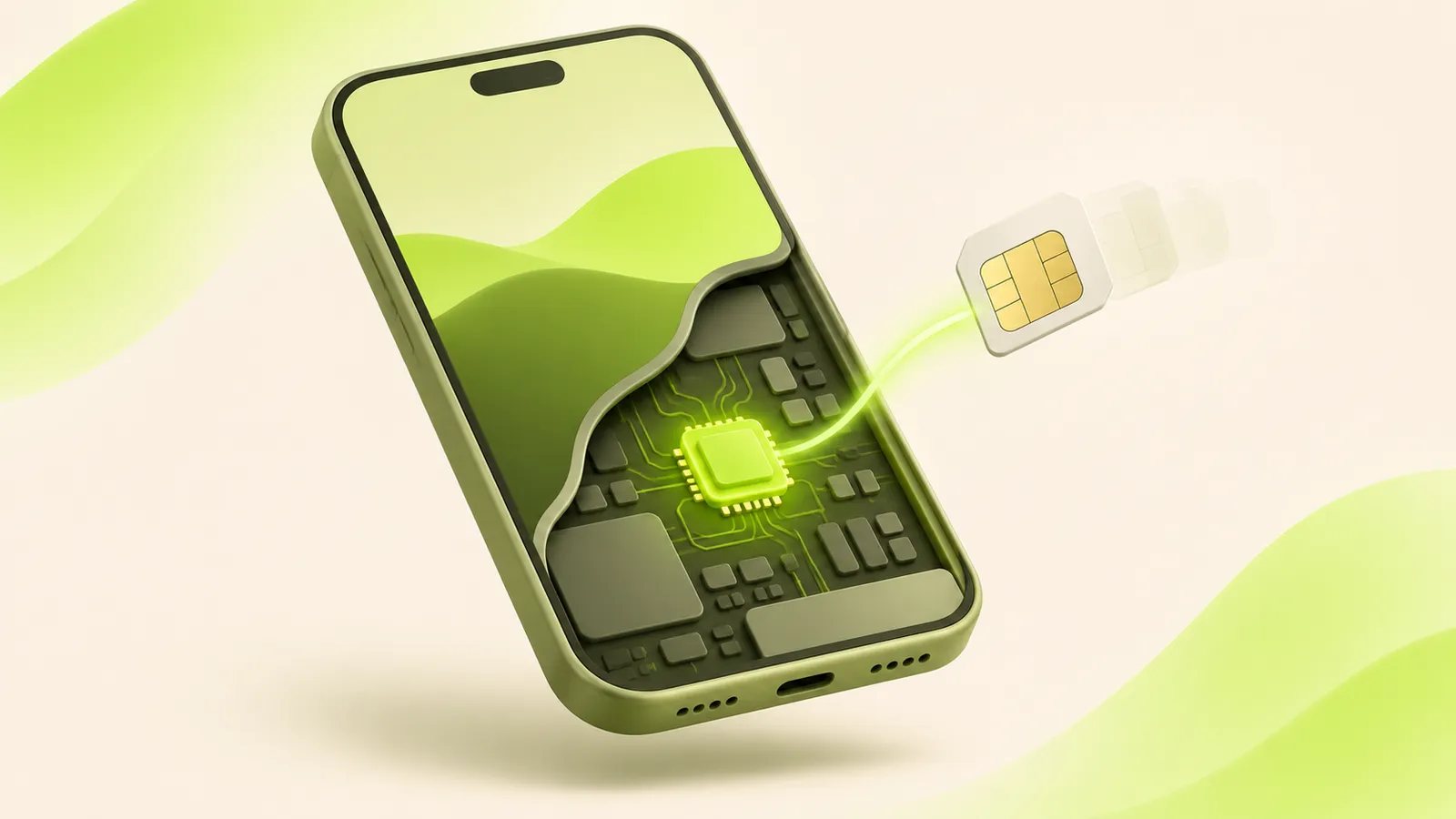
An eSIM is a SIM card that lives inside your phone as software. Instead of inserting a plastic card, you download a digital SIM profile, usually by scanning a QR code, and your phone uses it to connect to a mobile network. For travellers, this means you can buy a data plan for your destination at home, install it in a few minutes and land already connected.
What is an eSIM, exactly?
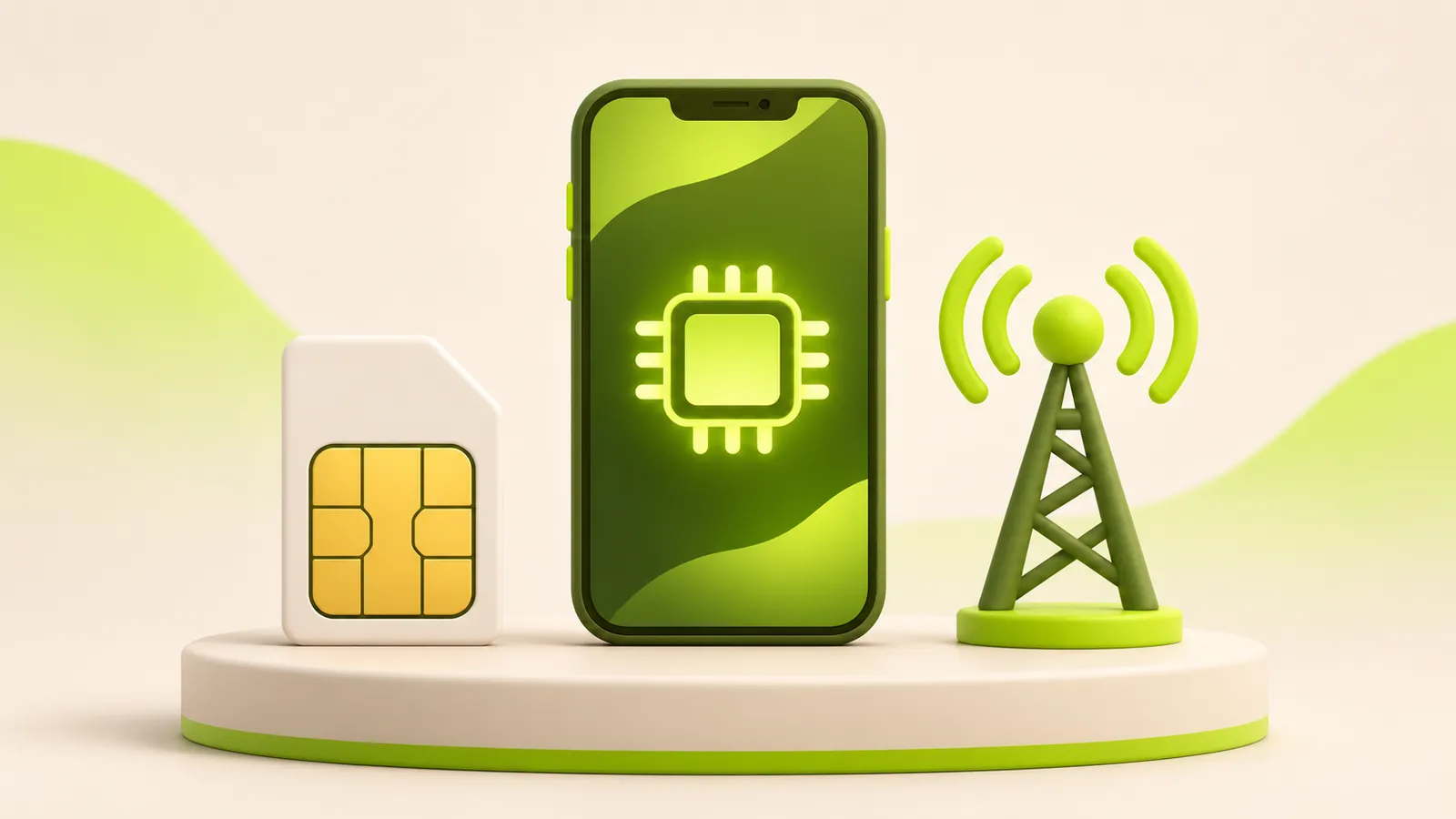
The "e" stands for embedded. Phones that support eSIM have a small chip built into the board that can store one or more SIM profiles. A profile holds the same details a plastic SIM does: which network to use, your subscriber identity and the security keys that let the network recognise your phone.
Because the chip is permanent, nothing ever needs to be swapped. When you buy an eSIM plan, the provider gives you a profile that your phone downloads over the internet. You install it once, and it stays on the phone until you delete it.
A travel eSIM is simply an eSIM profile made for use abroad. With Butacell, travel eSIMs are data plans: you get a set amount of mobile data for a set number of days in one country or a region. Calls and messages go through apps over that data.
Physical SIM vs eSIM: the key differences
| Physical SIM | eSIM | |
|---|---|---|
| Getting it | Buy it in a shop or wait for a delivery, often with an ID check at a counter | Buy it online and get a QR code in your account within minutes |
| Installing | Open the tray with a pin and insert the card | Scan a QR code, or enter the SM-DP+ address and activation code |
| Switching | Swap cards each time and keep track of the tiny card you took out | Pick which line to use in settings, with no card to handle |
| Losing it | Cards can fall out, get lost in a bag or be damaged | Nothing to lose: the profile stays inside the phone |
| Keeping several | Usually one card per slot, and most phones have one or two slots | Many phones can store several eSIM profiles; how many can be active at once depends on the phone |
The network itself is the same. An eSIM connects to the same kind of mobile networks as a plastic SIM, so coverage and speed depend on the network and the plan, not on whether the SIM is physical or digital.
How a travel eSIM works, step by step
- Check your phone. Make sure it supports eSIM and is unlocked. The device compatibility guide explains how to check.
- Choose a plan. Pick your destination, the amount of data and the number of days on the plans page. For example, 1 GB for 10 days in Turkey costs $2.09 as of November 2026 (prices can change).
- Top up and buy. Add money to your Butacell balance by card, then buy the plan from your balance.
- Install it on Wi-Fi before the trip. Scan the QR code, or type in the SM-DP+ address and activation code shown in your account. The installation guide walks you through it.
- Set up the line. Set mobile data to the eSIM and turn on data roaming for the eSIM line. You can do this at home or right after landing.
- Arrive and connect. The plan starts when your phone first connects to a network in a country the plan covers. Installing a few days early does not use up any days.
When your data runs low, add another pack. Later packs for the same device reuse the eSIM you already installed, so you install once and simply add data when you need it.
Does my phone support eSIM?
Two things must be true: the phone has eSIM support, and it is unlocked.
eSIM support
Most recent iPhone models and many recent Android phones support eSIM, but not every model does, and some versions sold in certain regions come without it. A quick check: on iPhone, look for an option to add an eSIM in Settings, Cellular (Mobile Data in some regions). On Android, look in the SIM or mobile network settings; menu names vary by phone. If there is no such option, the phone probably does not support eSIM.
Unlocked
A phone locked to your home operator only accepts that operator's SIMs. Phones bought outright are often unlocked already, while phones paid off through a contract may still be locked. If you are not sure, ask your home operator before you travel.
Your home SIM can stay
You do not need to remove your regular SIM. Phones with eSIM support dual SIM, so your home number can stay active for calls and texts while the travel eSIM handles your data.
eSIM myths vs facts
| Myth | Fact |
|---|---|
| A travel eSIM replaces my phone number. | It adds a separate data line. Your home SIM and number stay in the phone. |
| I have to install it after I land. | Install it on Wi-Fi before you leave. The plan only starts when you connect in a covered country. |
| Installing early wastes days. | Days are counted from the first connection in a covered country, not from the installation. |
| Every new pack needs a new eSIM. | Later packs for the same device reuse the eSIM you already installed. |
| Only the newest phones have eSIM. | Many phones from the last several years support it. Check the compatibility guide to be sure. |
| With a data eSIM I cannot call anyone. | Calls and messages work through apps over data. Butacell also offers virtual numbers for calls and SMS. |
Tips for your first eSIM trip
- Install the eSIM at home on a stable Wi-Fi connection, not at the airport on arrival.
- Give the new line a clear label such as "Travel data", so you always know which line is which.
- Turn off data roaming on your home line to avoid unexpected charges from your home operator.
- Do not delete the eSIM after the trip if you plan to travel again: new packs can be added to it.
- Check how much data you used after the first day and adjust your habits, or add a pack early.
Before you buy, check that your phone supports eSIM with our eSIM compatibility checker.
Frequently asked questions
Is an eSIM the same as a virtual SIM?
People often use the words loosely, but an eSIM is a real SIM profile stored on a chip in your phone. It connects to mobile networks exactly like a plastic card. A virtual number, by contrast, is a phone number that works through an app.
Can I use an eSIM and a physical SIM at the same time?
Yes. Most eSIM phones support dual SIM. A common setup abroad is the home SIM for calls and texts and the travel eSIM for mobile data.
Do I need internet to install an eSIM?
Yes. The phone downloads the profile during installation, so connect to Wi-Fi first. Once installed, the eSIM uses the mobile network and no longer needs Wi-Fi.
What happens when my data runs out?
The plan stops giving data. You can add another pack from your account, and it goes onto the same eSIM. The add data guide shows how.
Can I move my travel eSIM to a new phone?
An eSIM profile is tied to the device it was installed on. If you change phones, contact us through the contact page before you travel.
An eSIM turns getting connected abroad into a few minutes of setup at home. Check that your phone is compatible, then pick your destination on the Butacell plans page and install your eSIM before you fly.