Add more data or a new pack to your eSIM
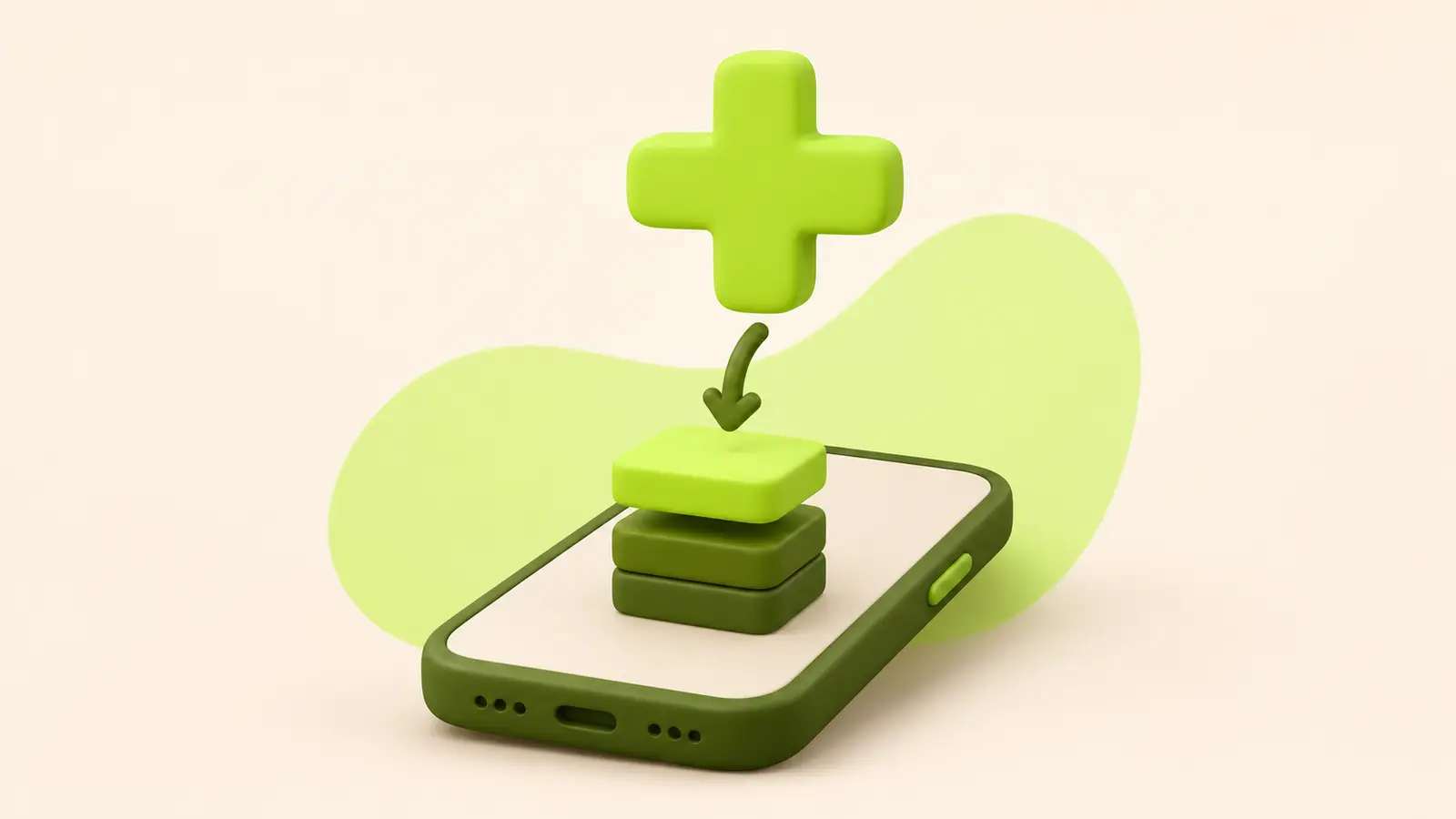
When your pack runs low or you plan another trip, you can add a new pack to the eSIM already on your phone. You do not need a new QR code and you do not need to install anything again.
When you need a new pack
- Your data has run out.
- Your days have run out.
- You are planning another trip, to the same place or to a new destination.
You can see what is left in the app or in Trips & packs. Remaining data updates every few minutes, not instantly.
Before you buy: check your balance
Packs are paid from your Butacell balance. If your balance is too low, top it up by bank card first under Top up. See Top up your balance and pay for a pack.
Add a pack on the website
- Sign in at butacell.com.
- Open Buy a pack in your account, or go to eSIM plans.
- Choose your destination: a country, a region or Global.
- Choose a pack: the data size and the number of days (5, 10, 15 or 30).
- Choose the device the pack is for. Pick the device that already has your eSIM installed.
- Pay from your balance.
Add a pack in the app
- Open the Butacell app and sign in.
- Choose your destination and a pack.
- Choose the device the pack is for.
- Pay from your balance.
What happens next
- The new pack is added to the eSIM already installed on that device.
- There is no new QR code and nothing to reinstall.
- The pack shows in Trips & packs on the website and under your eSIM in the app.
- You get an email receipt with a PDF attached.
- The pack starts when your phone first connects to a network in a country the pack covers.
If it does not connect
- Make sure the eSIM line is turned on.
- Make sure data roaming is on for the eSIM.
- Make sure you are in a country the new pack covers.
For the full checklist, read Your eSIM is installed but there is no internet.
Frequently asked questions
Do I need to reinstall the eSIM?
No. The new pack goes onto the eSIM you already have. Do not delete the eSIM from your phone: an eSIM can be installed only once.
Can I add a pack for another country to the same eSIM?
Yes. Buy the pack for your new destination and choose the same device. It is added to the same installed eSIM.
I switched my eSIM off after my last trip. Can I use it again?
Yes. Buy a new pack for that device, then turn the eSIM line back on before you travel. See After your trip.
Still need help? Visit the contact page or write to [email protected].