Keep your home number abroad with a travel eSIM (2026)
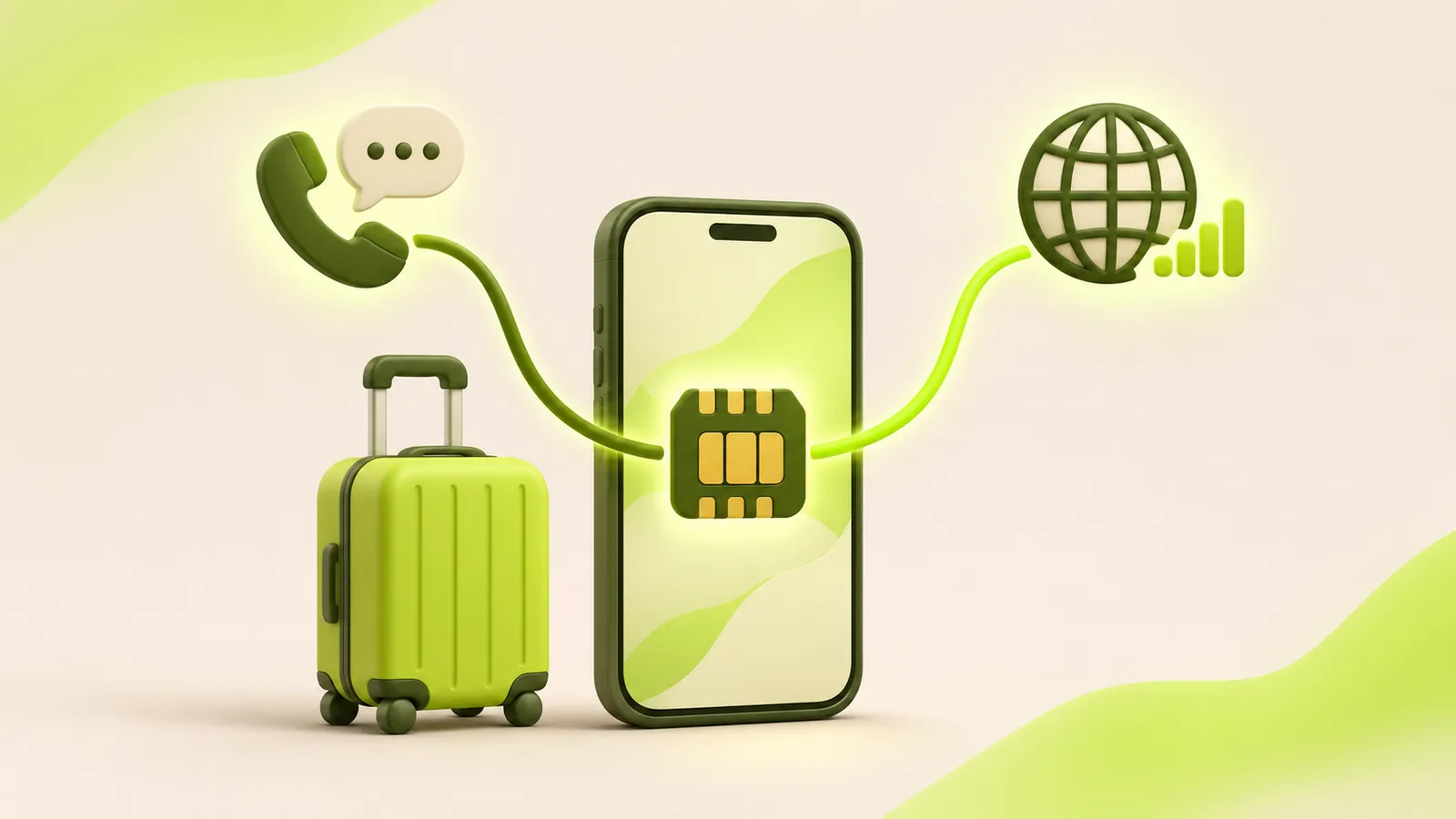
Yes, you can keep your home number working abroad while a travel eSIM handles your internet. Most eSIM phones run two lines at once: your home SIM stays on for calls and texts, and the travel eSIM carries all your mobile data. You only need to change a few settings so that each line does the right job.
How the two lines split the work
| Line | Calls | Texts (SMS) | Mobile data | Roaming cost risk |
|---|---|---|---|---|
| Home SIM | You stay reachable on your usual number; calls follow your home operator's roaming rules | You keep receiving texts, including bank and login codes | Off, because data roaming is turned off for this line | Calls and texts can still be charged; data cannot, as long as data roaming stays off |
| Travel eSIM | No regular phone number; calls go through apps over data | No regular SMS; messages go through apps | On: all your mobile data uses this line | Covered by the pack you bought; when the data runs out, it stops until you add more |
What dual SIM means for travellers
A dual SIM phone can hold two lines at the same time. On an eSIM phone, the two lines are usually your physical home SIM plus the eSIM, or two eSIMs. Both lines can stay on standby, but only one of them is used for mobile data at any moment. That is the whole trick: you choose which line handles data, and the other line simply stays available for calls and texts.
A Butacell travel eSIM is a data plan. It has no regular phone number, so it never competes with your home number for calls. Your family, colleagues and bank keep calling and texting the number they already know.
Step 1: install the travel eSIM before you leave
Install the eSIM at home on Wi-Fi. Scan the QR code, or enter the SM-DP+ address and activation code shown in your Butacell account; the installation guide covers both ways. The plan starts when your phone first connects to a network in a country the plan covers, so installing a few days early does not use up any days. Leave your home SIM in the phone.
Step 2: set up each line
Choose the eSIM line for mobile data
On iPhone, open Settings, Cellular (Mobile Data in some regions) and pick the travel eSIM as the line for mobile data. On Android, open the SIM or mobile network settings (names vary by phone) and choose the eSIM as the SIM for mobile data.
Some phones can move data to the other line automatically when the signal on one line is weak. If yours has an option like this, turn it off while you travel, so data never slips back to your home line.
Turn data roaming on for the eSIM line
Abroad, your phone treats the travel eSIM as a roaming line, so data roaming must be on for that line or it will not connect. This does not add any cost: you only use the pack you already bought.
Turn data roaming off for the home line
This is the setting that protects you from a large bill. With data roaming off on your home SIM, it cannot use mobile data abroad, even if data is switched to it by mistake. The line still works for calls and texts.
Label the lines
Both iPhone and Android let you rename lines. Call the eSIM something like "Travel data" and the home SIM "Home". Clear labels show at a glance which line you are changing in settings and which line an incoming call arrives on.
Calls and texts on your home line can still cost money
Keeping your home line active is convenient, but that line is still roaming. Depending on your home operator, you may be charged for incoming calls while abroad, for calls you make and for texts you send. Some operators also charge for receiving texts in certain countries, and a missed call that goes to voicemail can add a charge too. Rules and prices vary a lot by operator and destination, so check your home operator's roaming terms before you go.
To keep these costs down, let unknown numbers go unanswered, ask people to reach you through messaging apps, and decide whether you really need the home line on all day. Butacell also offers virtual numbers for calls and SMS that work over your data.
Bank codes and verification texts abroad
A big reason to keep your home SIM active is to receive one-time codes by SMS from your bank and other services. With the setup above, these texts reach your home line as usual. Whether receiving them costs anything depends on your home operator. Before you travel, make sure roaming for calls and texts is active on your home plan; some operators ask you to switch it on in advance, and without it the codes may not arrive.
Quick setup checklist
- Install the travel eSIM on Wi-Fi before the trip and keep your home SIM in the phone.
- Set mobile data to the eSIM line.
- Turn data roaming on for the eSIM line.
- Turn data roaming off for the home line.
- Turn off automatic switching of data between lines, if your phone has it.
- Label the lines, for example "Travel data" and "Home".
- Read your home operator's roaming terms for calls and texts.
- After the first day, check that data usage shows up on the eSIM line, not the home line.
Before you buy, check that your phone supports eSIM with our eSIM compatibility checker.
Frequently asked questions
Will people still be able to call my normal number?
Yes. Your home SIM stays on, so calls and texts to your usual number reach you as long as that line has signal abroad. Just remember that your home operator may charge for them.
Do messaging apps keep working with my home number?
In most cases, yes. Messaging apps run over data, so they use the eSIM line, while your account stays linked to your home number.
Do I need to take my physical SIM out?
No. Keep it in the phone. The point of this setup is that both lines work side by side.
Can I switch the home line off completely?
Yes. Phones let you turn a line off in settings. You will then not receive calls or texts on it until you turn it back on, which removes the roaming risk on that line entirely.
How do I add more data during the trip?
Buy another pack from your account. It goes onto the same eSIM, so your settings stay as they are. The add data guide shows the steps.
What if the eSIM line does not connect?
Check that mobile data is set to the eSIM and that data roaming is on for that line. The connection help page lists more fixes.
With two lines set up properly, you stay reachable on your own number and pay only for the data you planned. Check that your phone supports eSIM in the device compatibility guide, then choose your destination on the Butacell plans page.